Write freely. Keep it yours.
Your thoughts are yours. Every note stays in plain files you own.
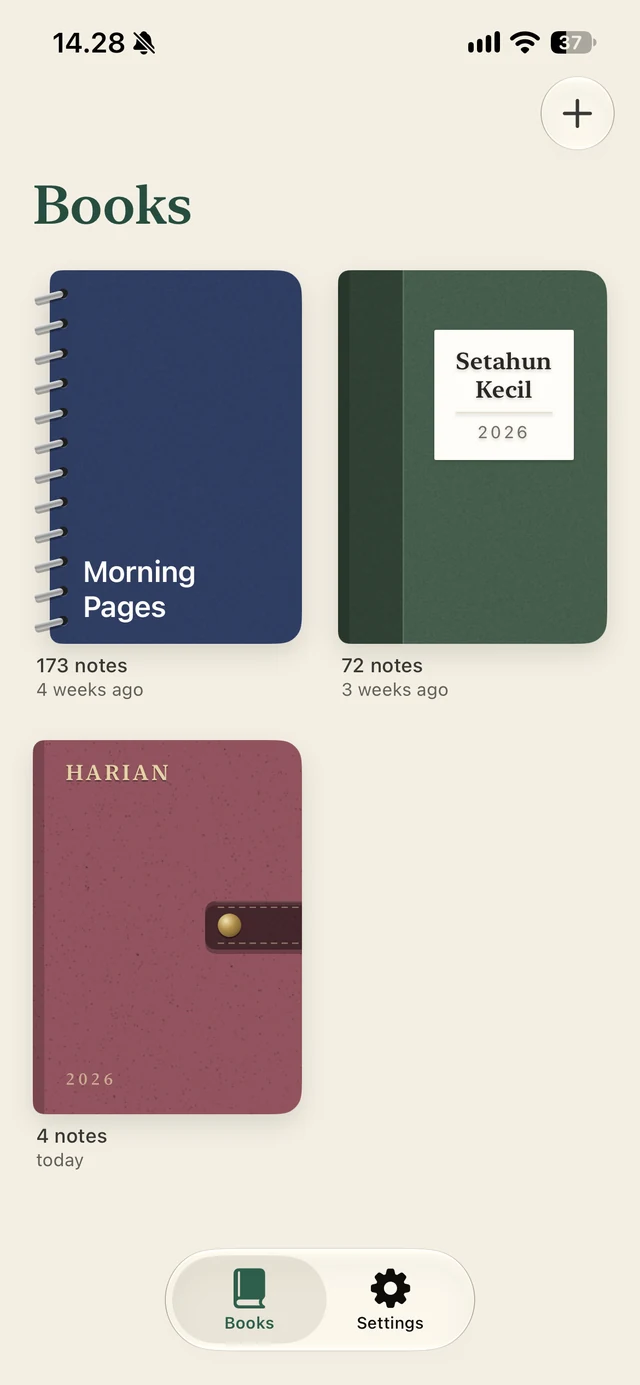
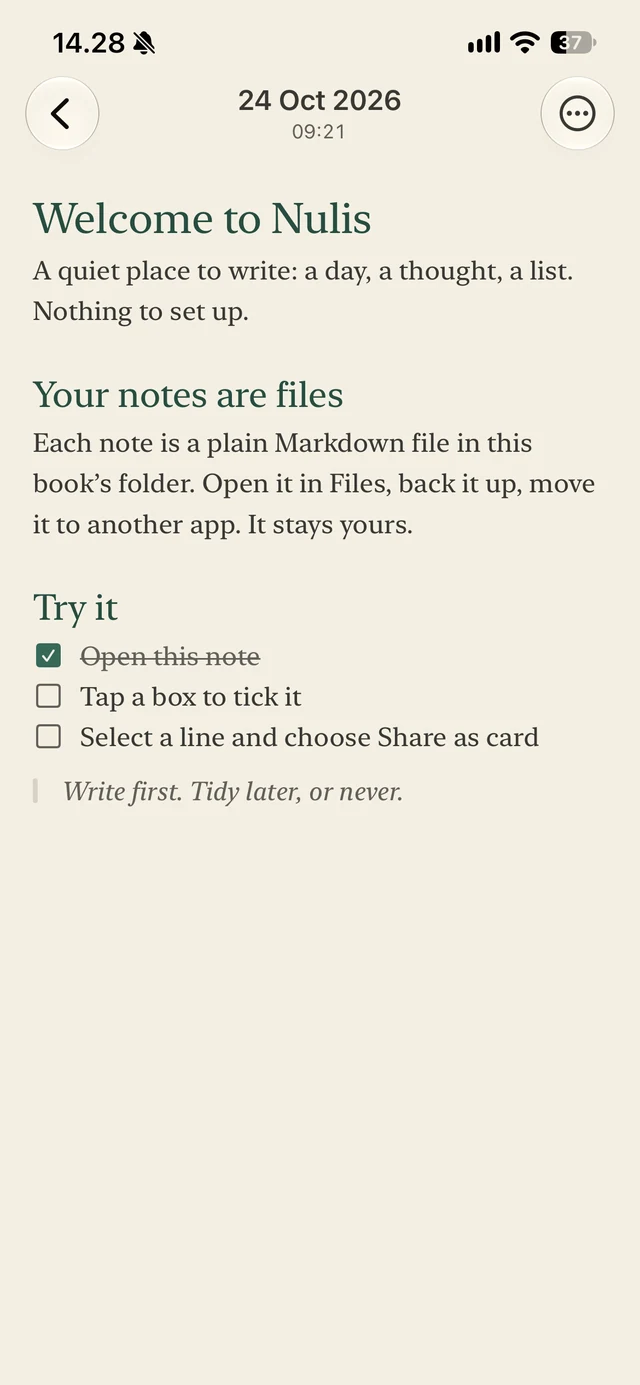
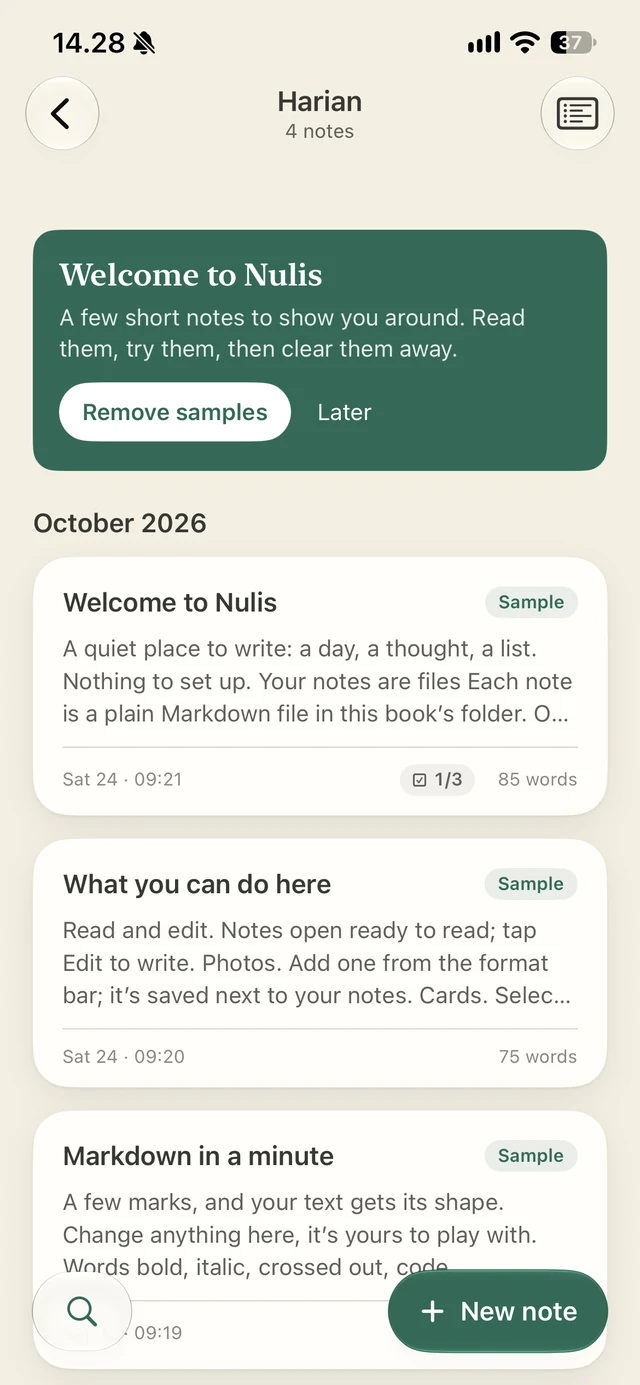
Your space. Your words to keep.
Nulis saves every note as a plain Markdown file in a folder you choose. Just your words, stored your way. In iCloud, on your iPhone, or wherever you choose to keep them.
Classic or Scrapbook
One journal,
two ways to see it.
Some days a simple list is all you need. Other days your memories deserve more room. Switch between Classic and Scrapbook; a clean list of entries, or a board full of photos, notes, and the little things worth keeping.
Classica tidy list
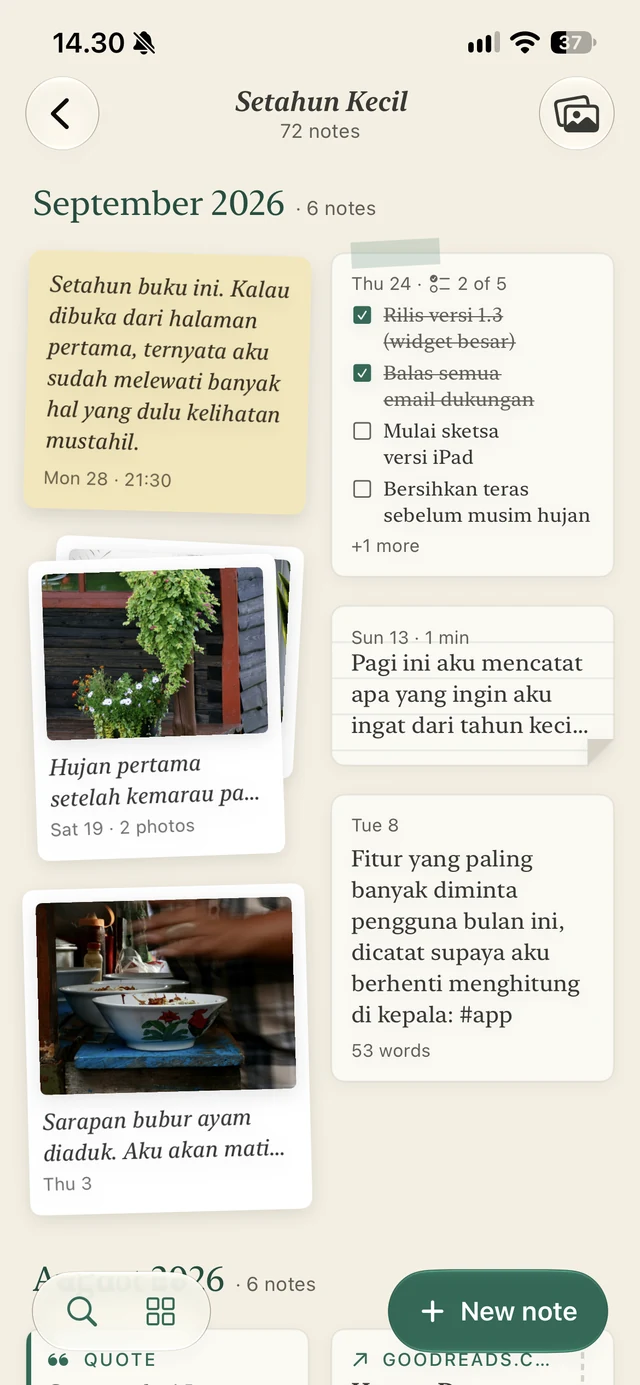
Scrapbooka board of clippings
Your files
Your words, beyond the app.
Your journal belongs to you, not the app you write it in. Open it in another app, move it to another device, or keep a backup of your own. Your writing stays readable, wherever life takes you.
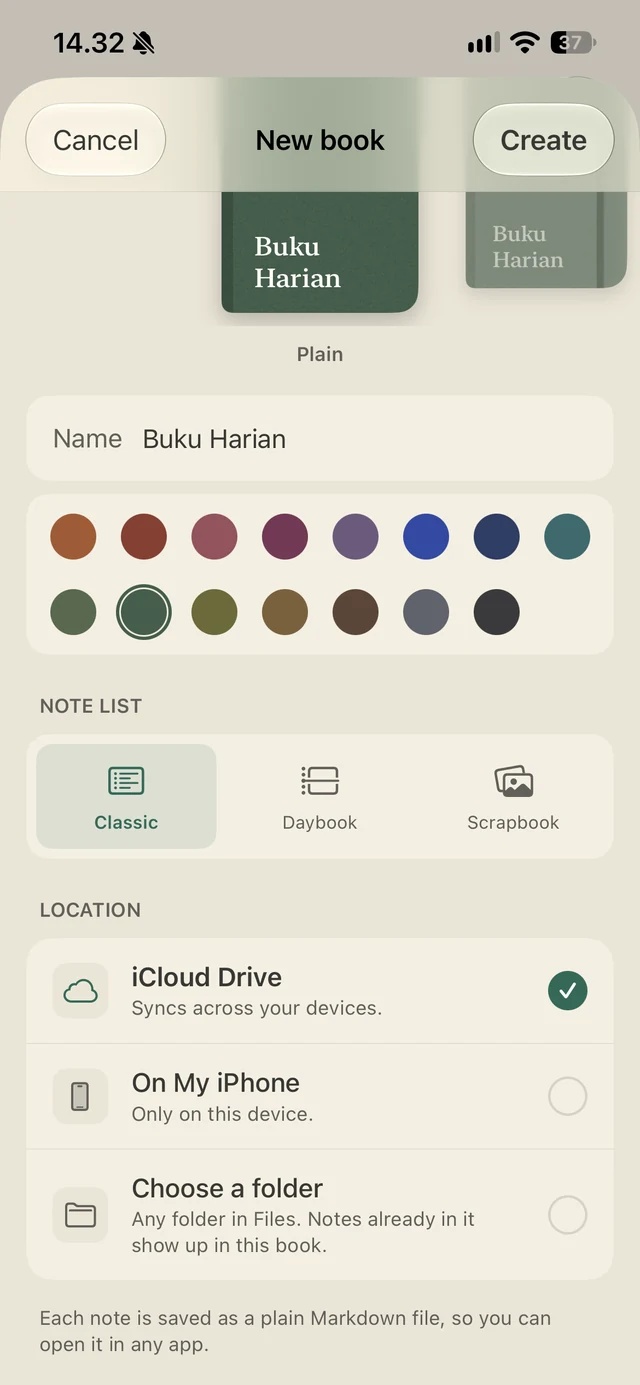
Writing
Just write,
and let the formatting follow
Add headings, lists, tables, code, and photos right from the format bar, without breaking your flow. Your thoughts come first. Nulis takes care of the rest.
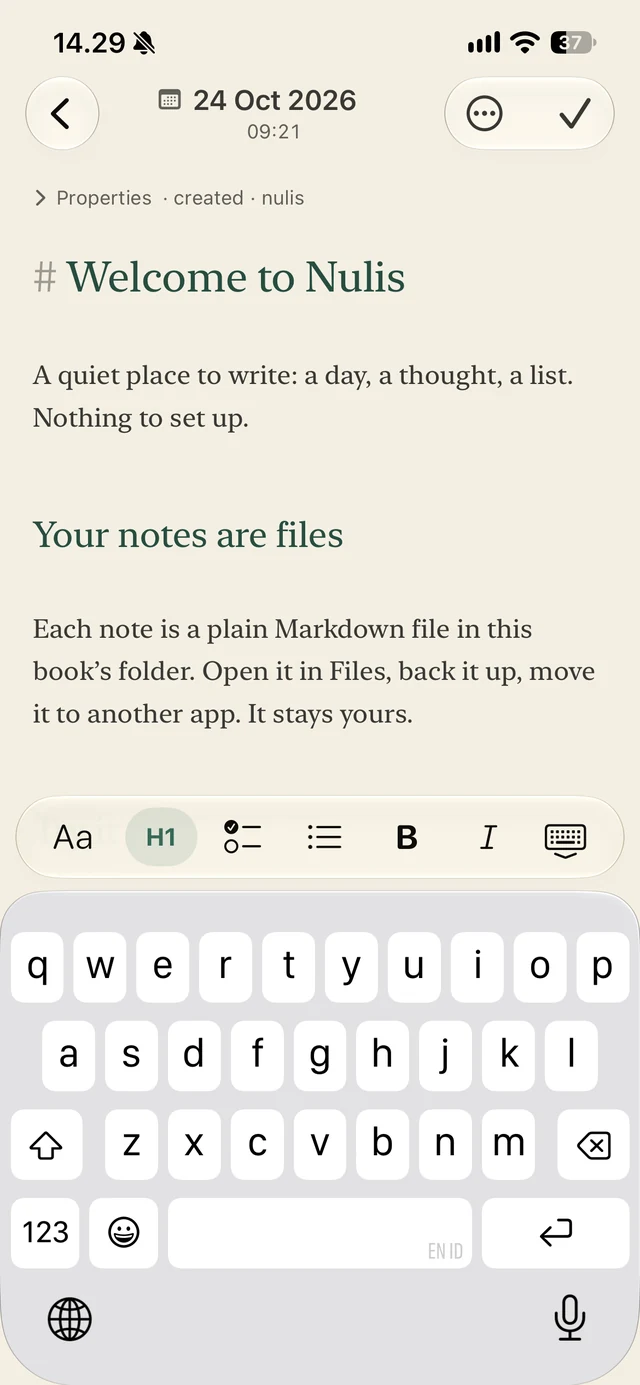
As you typemarks become formatting
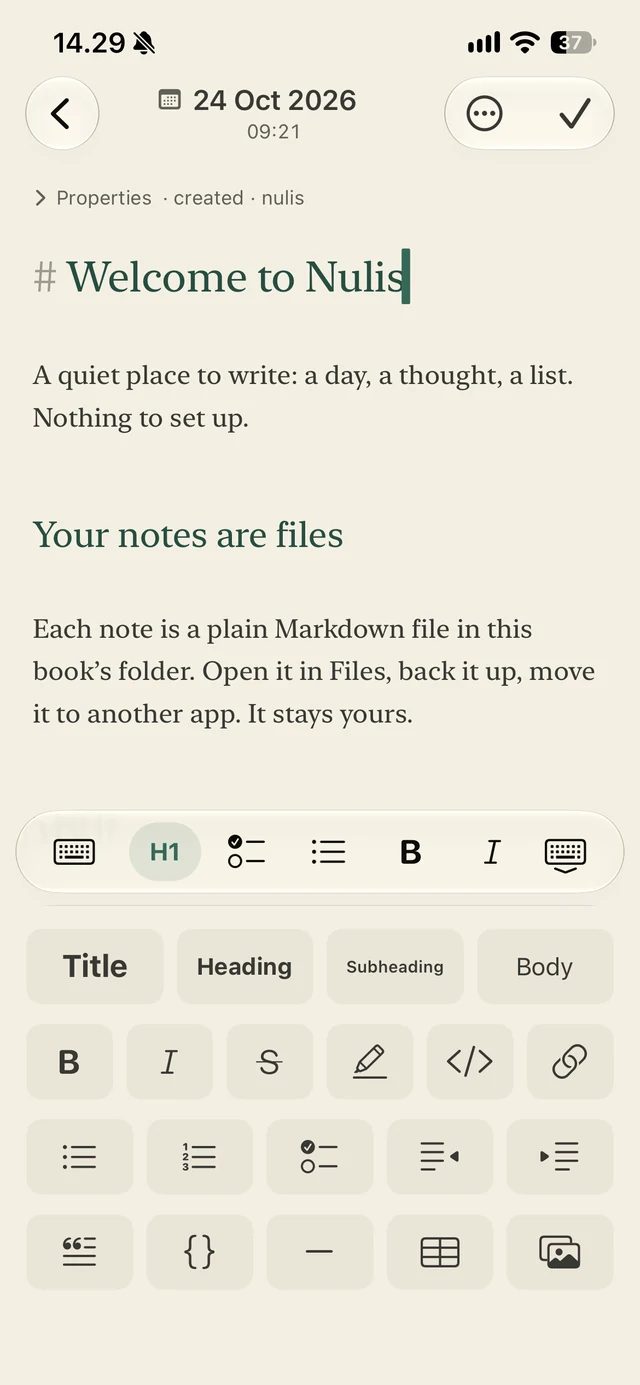
One tap morethe whole format bar
Questions.
How do backups and sync work?+
What happens if I switch phones?+
What if Nulis disappears one day?+
Can I point it at notes I already have?+
Is there an iPad or Android version?+
Why no account?+
Be the first to know.
A little more room for your thoughts. Leave your email and we'll let you know when Nulis is ready.
Couldn't reach the waitlist just now. Please try again.
You're on the list. We'll email you once, on the day it's ready.